

Sketch in. Image out.
Upload a line drawing, add a short prompt in chat, get a photoreal render—built for concepts you need to see, not explain.
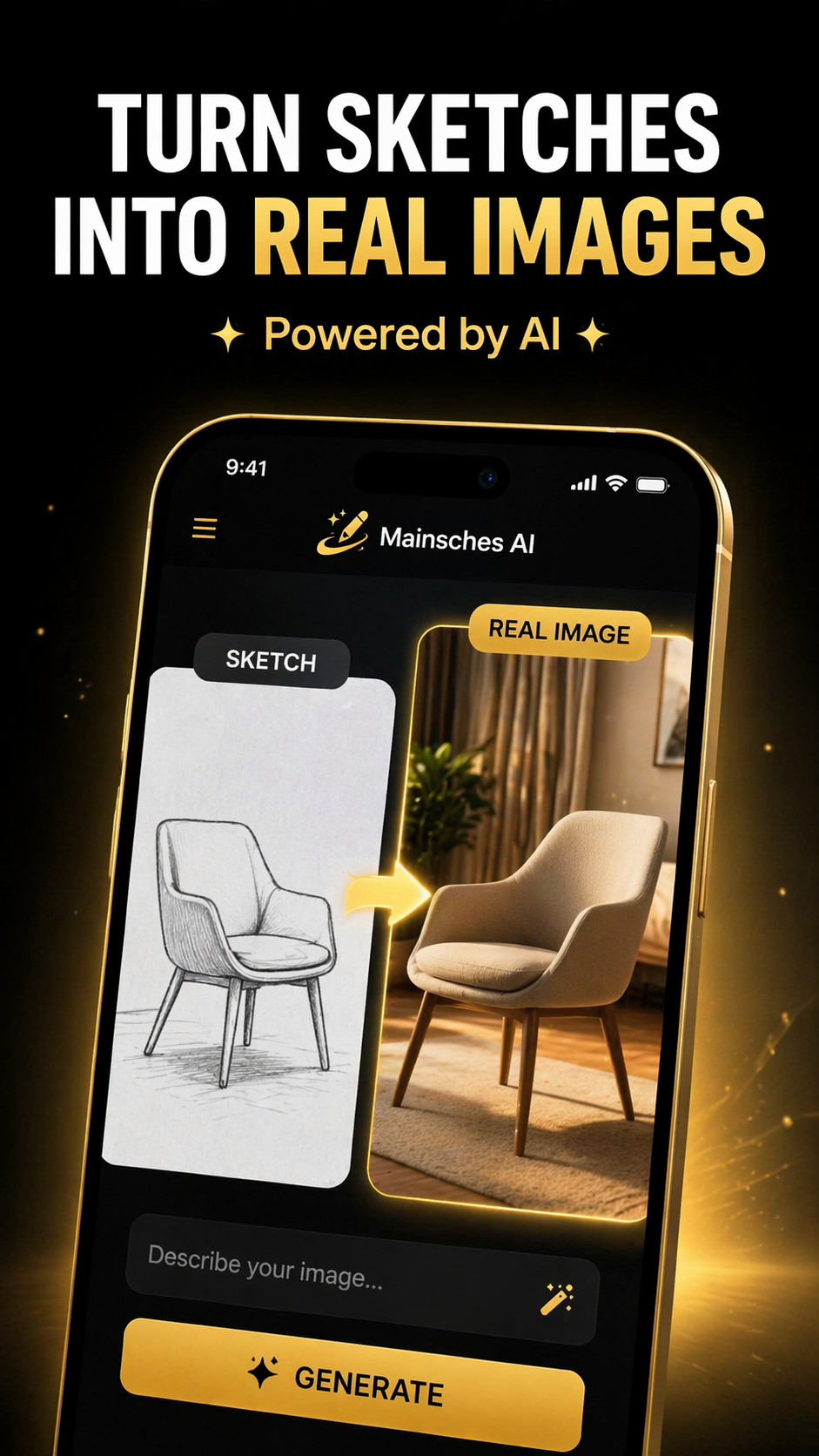
Three steps. One outcome.
From rough lines to a shareable render—without leaving the thread.
Drop in the sketch
Any clear line drawing—product, furniture, interior, idea on paper.
Prompt in chat
Say what you want changed: materials, lighting, mood—then refine.
Generate the render
Get a realistic image you can review, compare, and take forward.
The product, in one frame.
Full-width UI capture—open layout, no device frame, maximum clarity.
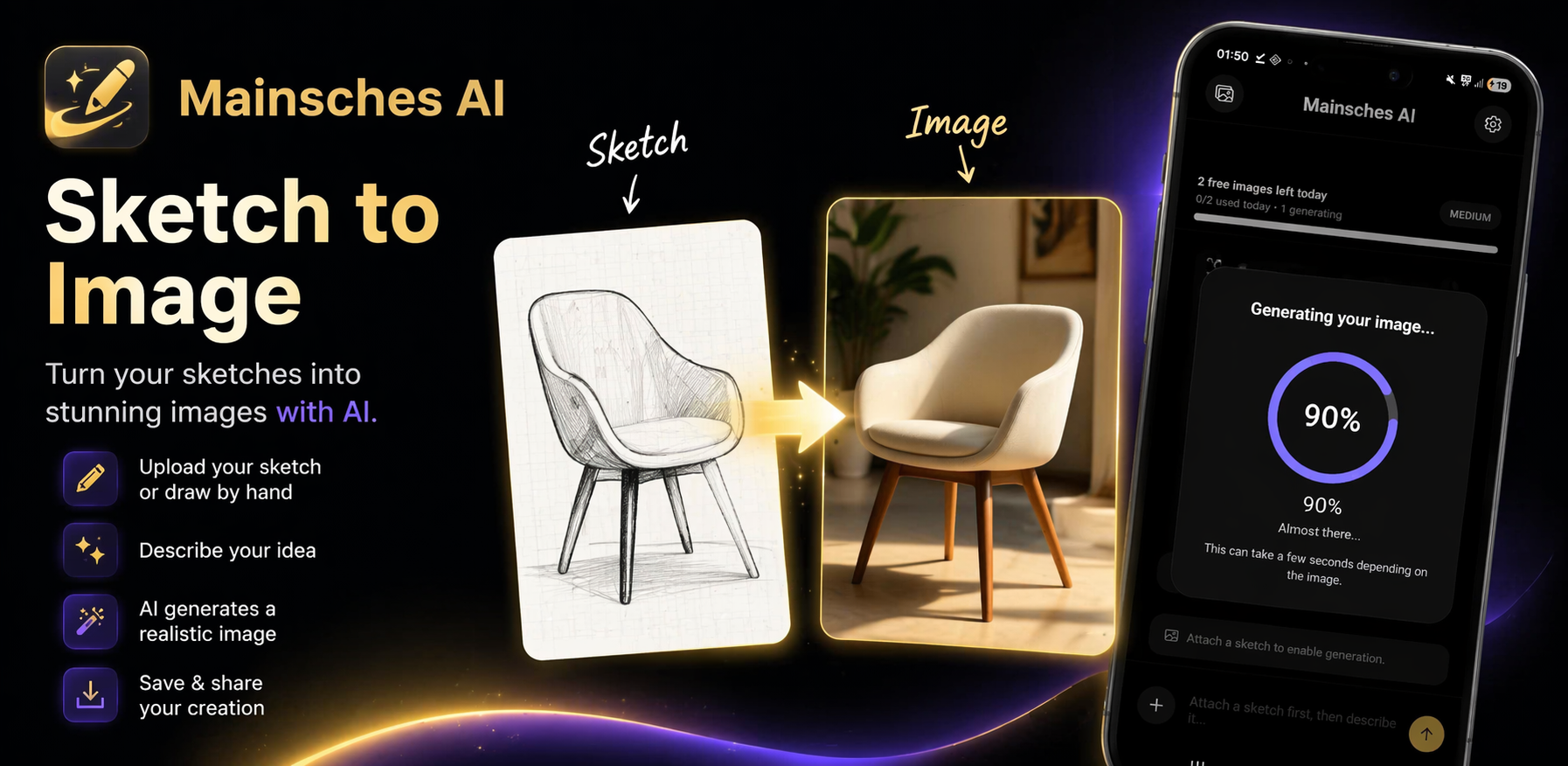
Dark UI. One job: your sketch.
No busy chrome—just chat, your drawing, and the render.
Obvious flow
Attach, type, generate. The muscle memory sticks on day one.
Built for objects & spaces
Products, furniture, interiors—anything with a clear silhouette.
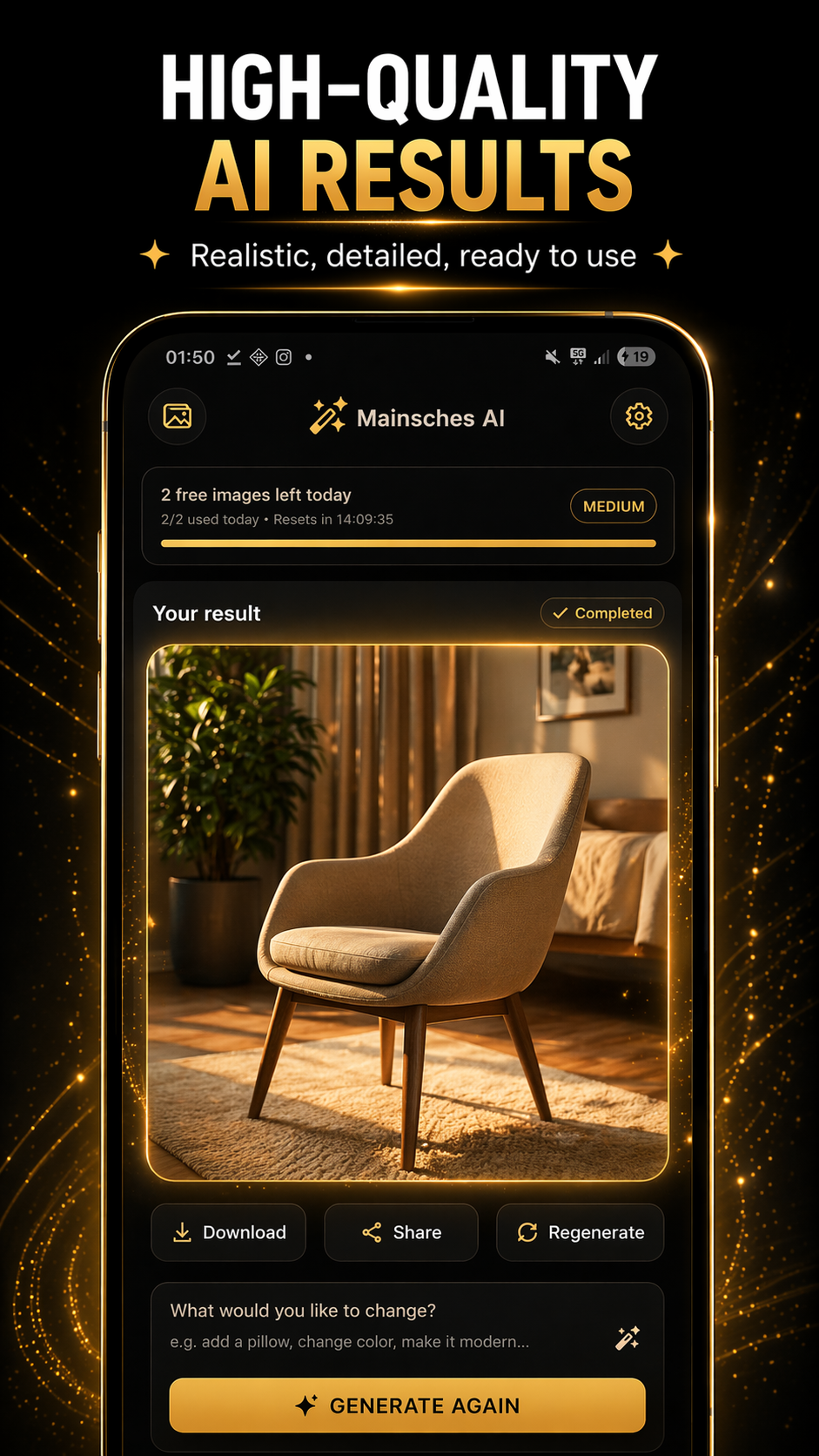
Share-ready output
Save, compare, and drop the image into the next conversation.
Put Mainsches AI in your pipeline.
Partnerships, access, or product questions—reach out and we’ll respond personally.